Signing in
The Unifd portal is where you check that your product, stock and order data is flowing between your systems. This page covers signing in and what you see first.
Sign in
Section titled “Sign in”Open the portal address your Unifd contact gave you. Enter the email address and password for your account, then select Continue.
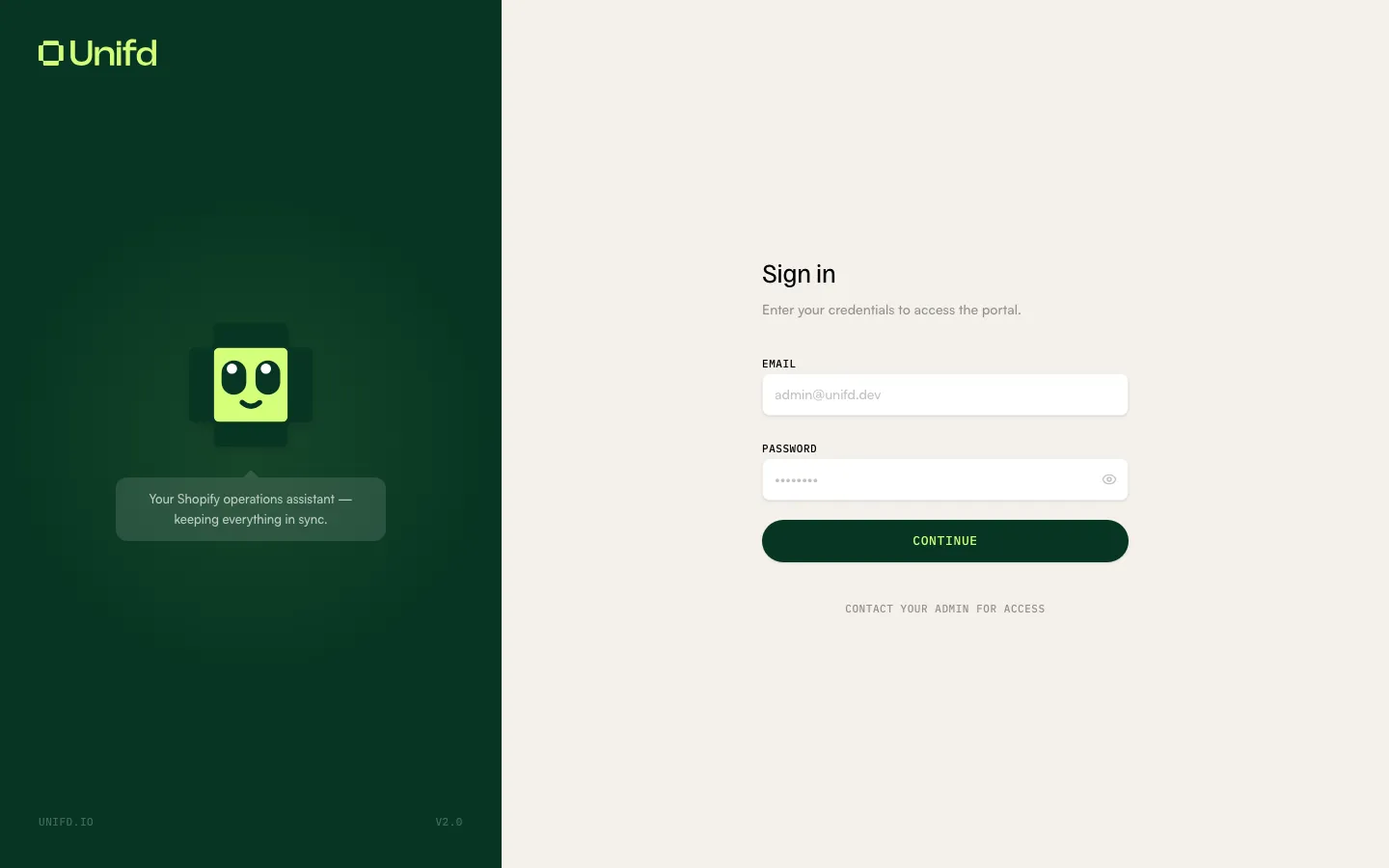
Accounts are created for you — there is no self-service sign-up, which is why the page tells you to “Contact your admin for access”. If you need an account for a colleague, ask your Unifd contact.
Where you land
Section titled “Where you land”After signing in you arrive on the Activity page. This is your home page: it lists every recent sync run across your pipelines, with failures surfaced first.
If you are not expecting to see anything unusual, a quick glance at Activity is usually all you need — the tiles across the top summarise the last 24 hours.
New here? Read Finding your way around next for a tour of the navigation, then Sync runs to learn how to read a run.
Your account and role
Section titled “Your account and role”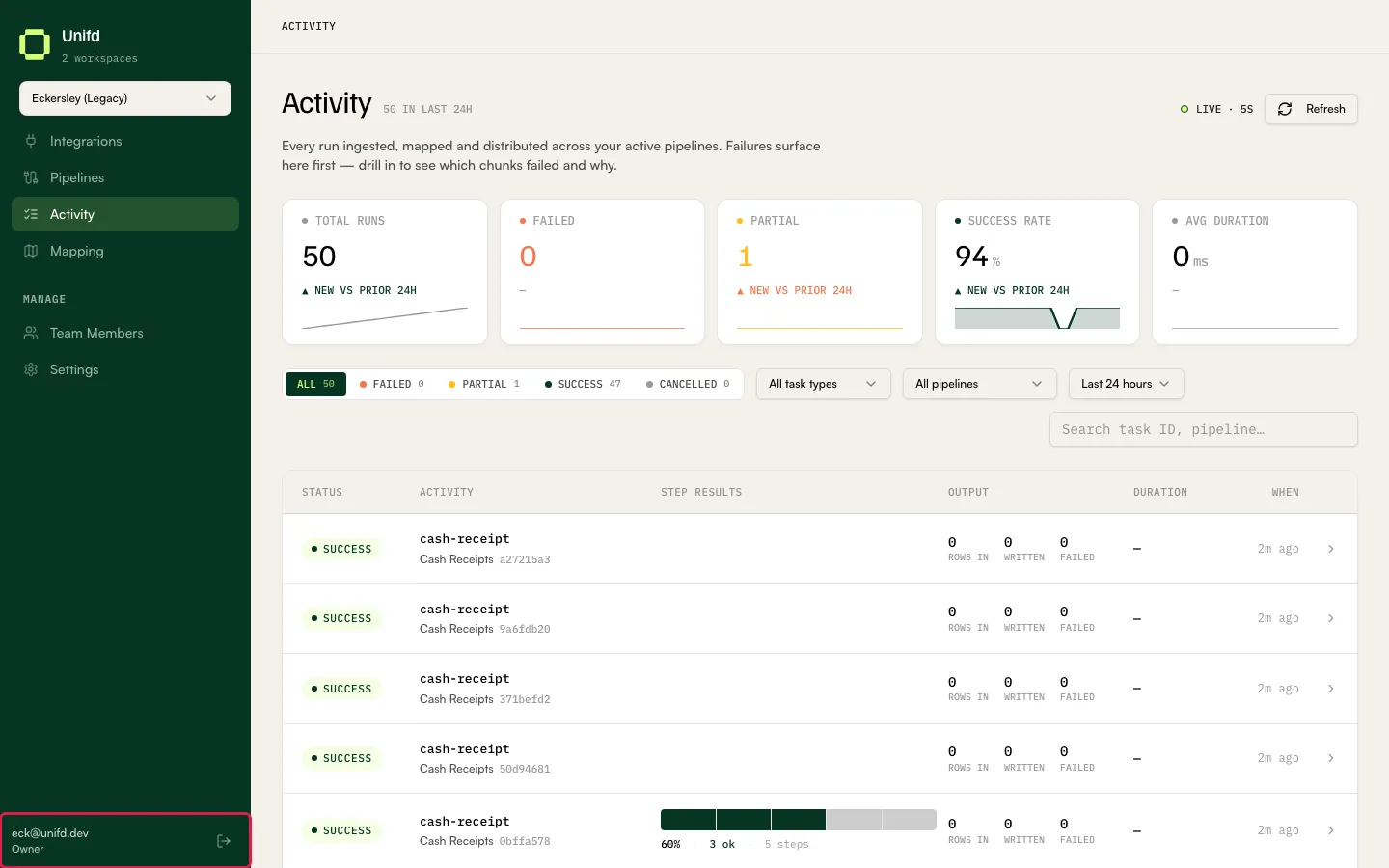
The bottom of the left sidebar shows the email address you are signed in with and your role — for example Owner.
Your role and workspace access decide what you can see. If a page or a section described in this manual is missing for you, it is most likely not available to your role.
Signing out
Section titled “Signing out”Select the sign-out icon next to your email address at the bottom of the sidebar.